If you have spent any real time in trading communities, you already know the name. TradingView shows up in almost every screenshot, every “check out this setup” post, every YouTube trader’s second monitor. With more than 100 million users worldwide, it is not really a question of whether TradingView is popular. It is whether you are actually using it the way traders who get real value out of it do.
TradingView 2026 looks a little different than it did even a year ago, with an expanding AI charting assistant, deeper broker integrations, and a social layer that has become a legitimate research tool in its own right. Here is an honest look at what it actually offers, what traders are saying about it right now, and whether it is worth upgrading past the free plan.
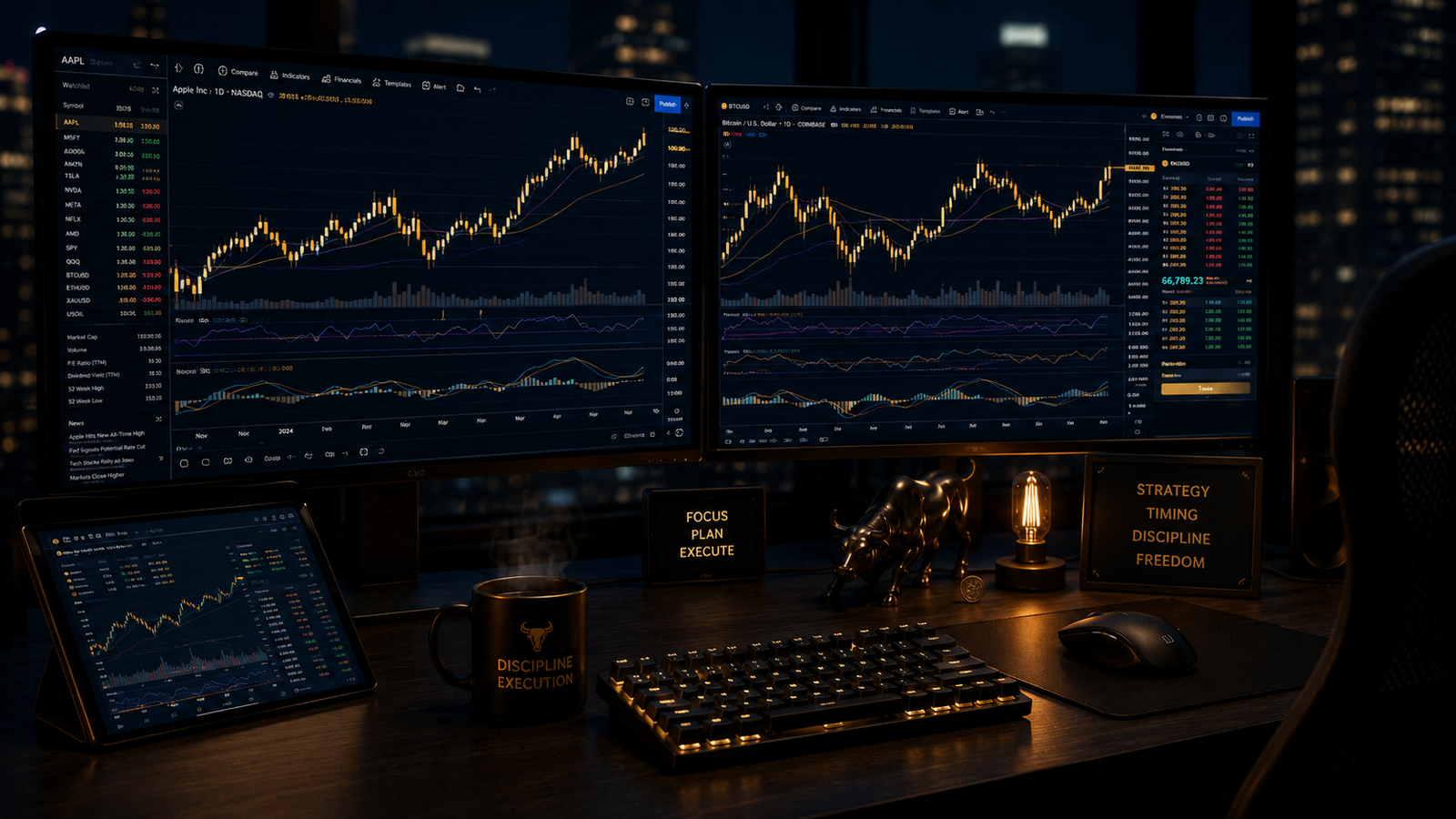
TradingView 2026: What Traders Are Actually Saying About It
Across independent reviews this year, a few things keep coming up. Traders consistently point to the charting engine as best-in-class for retail use, with responsive drawing tools, clean multi-timeframe layouts, and setups that sync across templates without extra work. The ability to log into a connected broker and trade directly from the chart, seeing your analysis and your execution in the same window, comes up again and again as a genuine time-saver rather than a gimmick.
Across TradingView 2026 reviews, the most common complaint is not about the platform itself. It is that customer support can be slow to respond, even for paying members. Beyond that, most of the friction traders mention is really about depth: TradingView has so many features, both basic and advanced, that it can feel overwhelming to a newer trader who just wants a clean price chart.
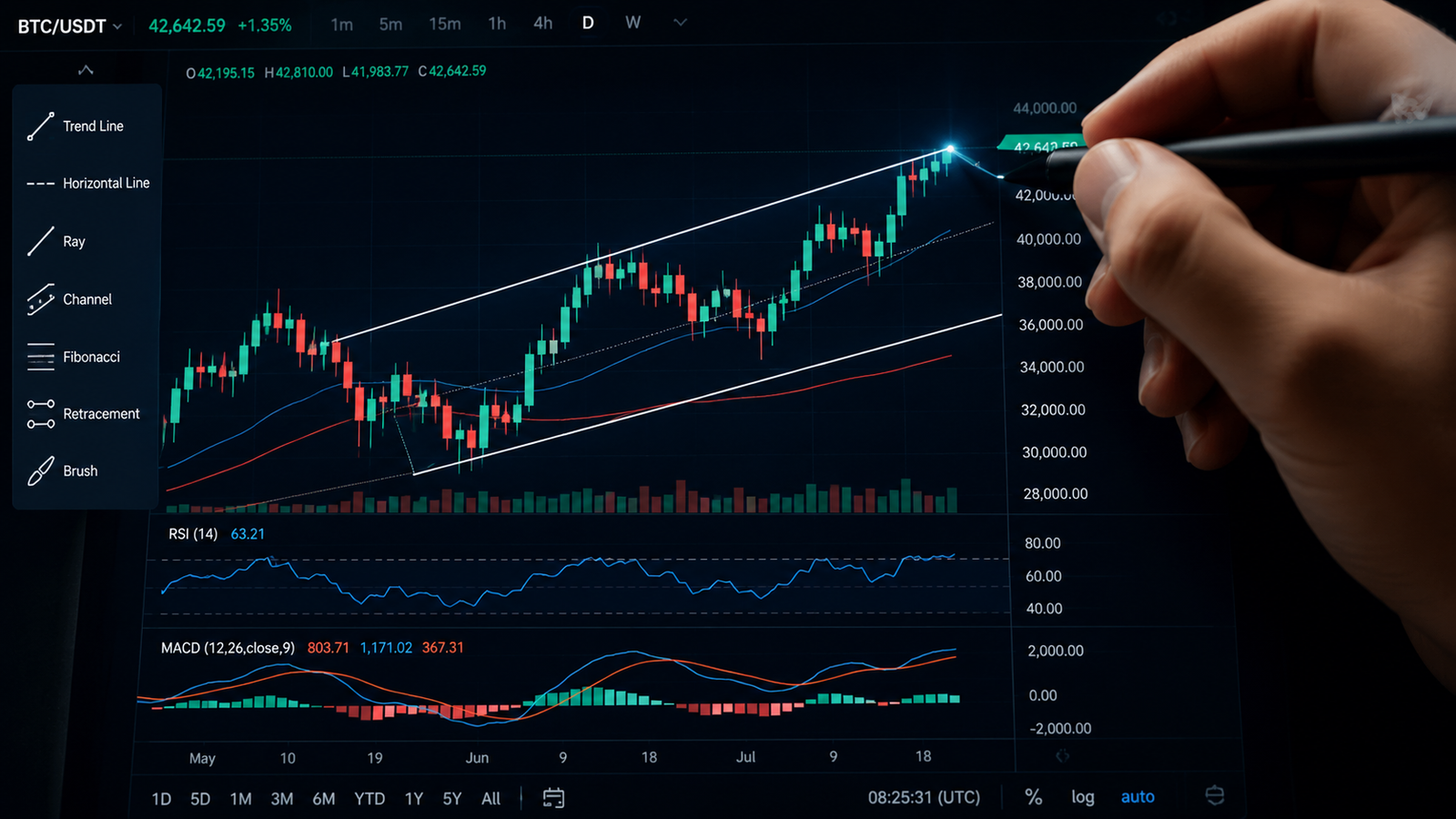
TradingView 2026 Features That Actually Matter
With over 100 indicators, a massive library of community-built scripts, and coverage across stocks, crypto, forex, futures, and bonds, it is easy to get lost in TradingView’s feature list. A few are worth understanding before anything else.
The Ideas feed. Traders can publish annotated chart ideas directly from the editor, and other users can follow, comment, and study the reasoning behind them. For newer traders, watching how experienced analysts mark up a chart and explain their thesis is a genuinely useful, free education. For experienced traders, it is a fast way to gauge sentiment on a specific asset without a separate news terminal.
Pine Script. TradingView’s own scripting language lets you build and backtest custom indicators and strategies instead of relying only on what ships out of the box. You do not need to be a programmer to get value from it. Thousands of free community scripts are already built and shared.
Broker connectivity. Live order execution through connected brokers means you can go from spotting a setup to placing the trade without switching platforms, which removes a surprising amount of friction from active trading.
Multi-device sync. Charts, layouts, watchlists, and alerts follow you across desktop, mobile, and tablet, so the analysis you do at your desk is exactly what you see when you check your phone later.
Free vs Paid: Is It Worth Upgrading?
The free plan is genuinely usable and a fair way to learn the platform. But it comes with real limits: a capped number of indicators per chart, fewer saved layouts, and delayed rather than real-time data on the free tier by default. Once you are trading with real size, that 15-minute delay alone is reason enough to consider upgrading.
The Plus and Premium tiers unlock more indicators per chart, extended layouts, real-time data across more exchanges, and deeper backtesting for Pine Script strategies. Whether it is worth it comes down to one honest question: are you an active trader who checks charts daily, or a casual investor who glances at a position once a week? For the former, most reviewers land on the mid-tier plan as the sweet spot between cost and capability, rather than jumping straight to the professional tier built more for firms than individuals.
How TradingView Fits Into a TradeGrade Workflow
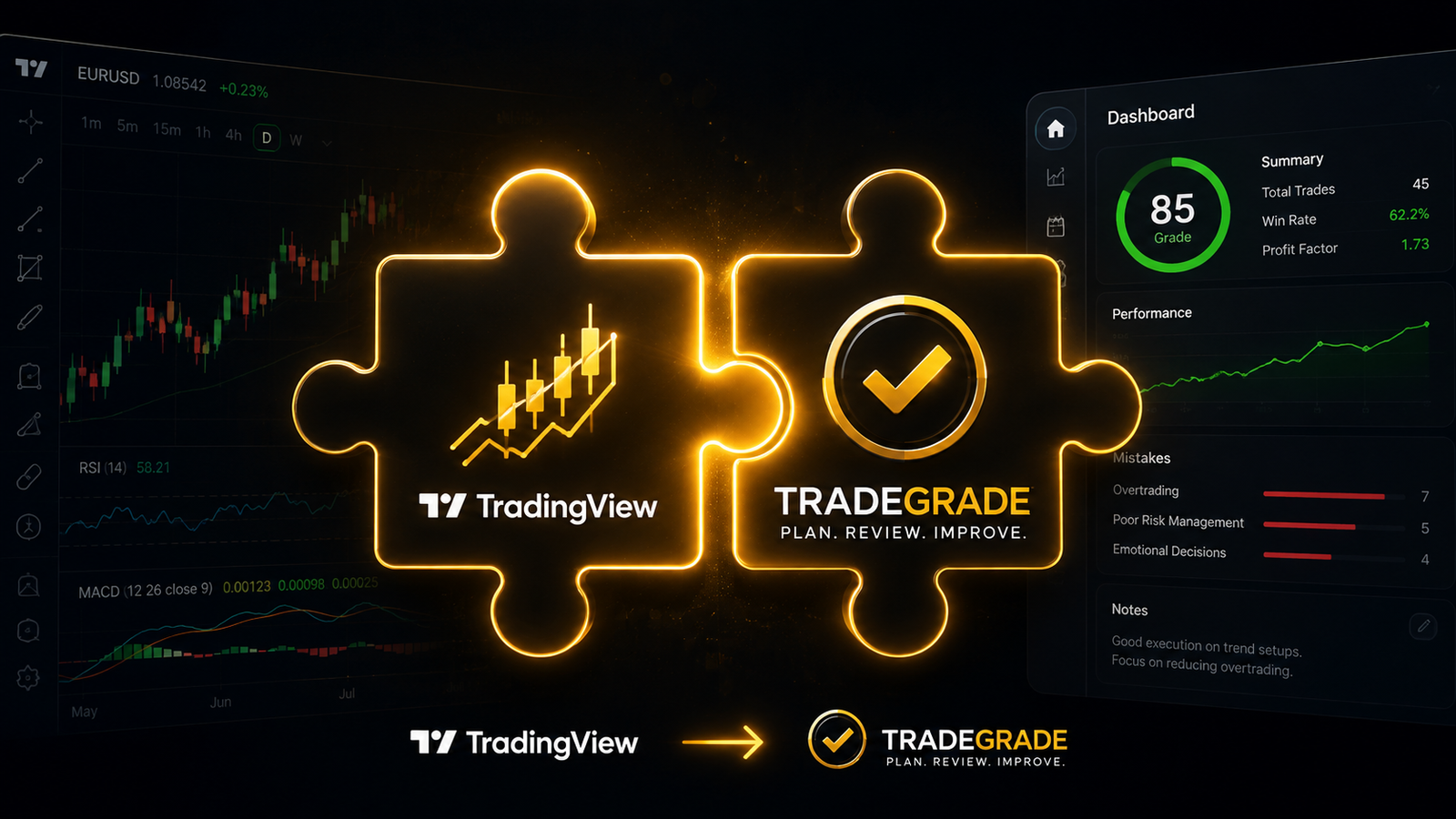
Charting and grading solve two different problems, and that is exactly why they work well together. TradingView is where you see the chart, mark up the setup, and confirm price action. It does not tell you whether that setup is historically a strong one or a coin flip. That is the piece TradeGrade’s Setup Grade system is built to add, scoring fresh analyst actions from A+ to F based on backtested historical performance, so you are not relying on how a chart “looks” alone.
Used together, the workflow gets simple: TradeGrade flags which setups are statistically worth your attention, and TradingView is where you pull up the chart to confirm it and plan your entry. Neither replaces the other. Each one covers what the other does not.
Common Mistakes Traders Make on TradingView
Most of the frustration traders report with TradingView is not really about the platform. It is about how it gets used. A few patterns show up constantly.
Indicator overload. Because there are thousands of free scripts available, it is tempting to stack six or seven indicators on one chart until price action itself becomes hard to see. The traders who get the most value tend to run two or three indicators they actually understand, not a wall of colored lines they inherited from a YouTube video.
Never customizing alerts. The default alert settings barely scratch the surface of what TradingView can do. Price crossing a level, a Pine Script condition triggering, volume spiking relative to average, all of that can run in the background so you are not staring at charts all day waiting for something to happen.
Treating the Ideas feed as signals. The social feed is genuinely useful for learning how other traders think, but it is not a replacement for your own process. Following someone else’s published idea without understanding why they took it is a fast way to end up in a trade you cannot explain if it goes wrong.
Staying on the free plan out of habit. A lot of TradingView 2026 users sign up, get comfortable with the free tier, and never revisit whether real-time data or extra indicators would actually change their results. If you are trading with real money, the 15-minute data delay on the free plan is worth checking against your own strategy.
Getting Started With TradingView 2026
If you have not used TradingView 2026 yet, or you have been stuck on the free plan longer than you meant to be, you can check out TradingView here. New sign-ups through that link get a $15 credit automatically applied to whichever plan they choose, so there is very little downside to seeing what the paid tiers actually offer.
And if you want the other half of the workflow, the part that tells you which setups are worth pulling up a chart for in the first place, TradeGrade’s free training walks through exactly how that grading system works.
Disclosure: This article contains affiliate links, including a TradingView Partner Program link and a ClickBank affiliate link. If you sign up through these links, we may receive a commission at no extra cost to you. This article is for educational and informational purposes only and does not constitute financial, investment, or trading advice. Trading and investing involve substantial risk of loss and are not suitable for every investor. Always do your own research before making investment decisions.